Does the iPhone Alarm Go Off on Silent Mode?
Short version: yes for the built-in Clock app, historically no for many third-party alarm apps, and there is a notorious bug that mutes alarms that should have rung.
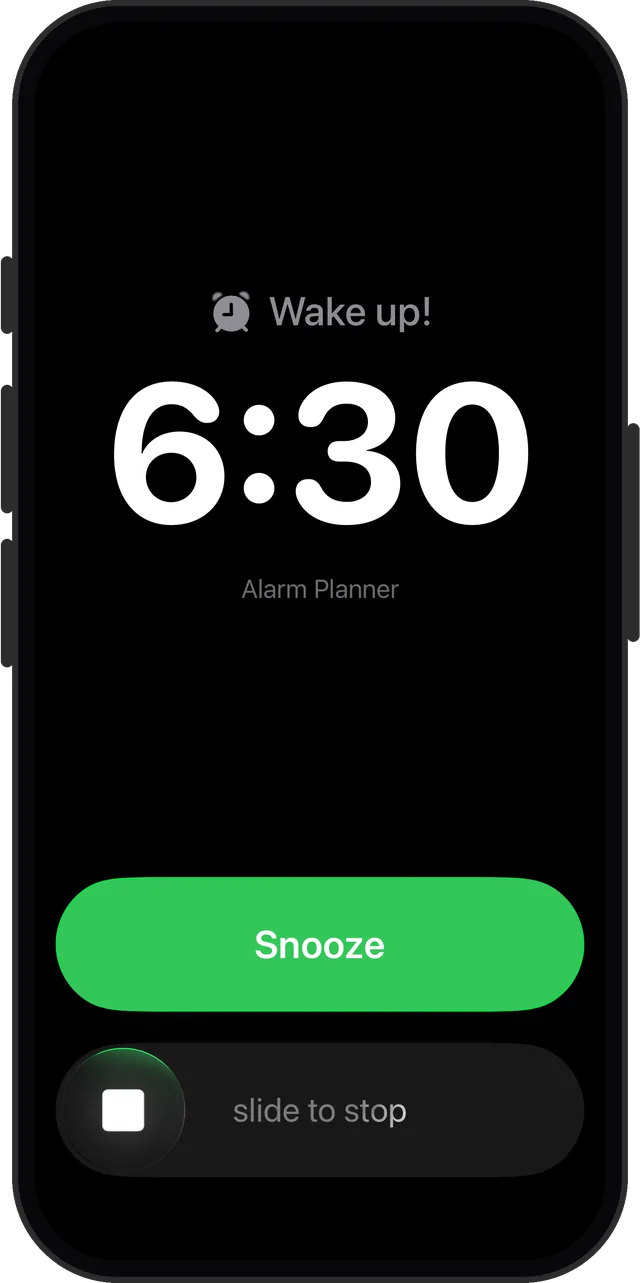
Quick answer: Clock app alarms ring through the Silent switch, Do Not Disturb, and Focus modes. Third-party alarm apps built on notifications get muted like any notification. Apps built on Apple's AlarmKit framework, including Alarm Clock Planner, ring like system alarms: Silent and Focus do not mute them.
What the Silent switch actually mutes
The Silent switch, and the Action button set to Silent mode, mutes calls, texts, and notifications. It does not mute Clock app alarms, which are treated as time-critical and play regardless. The same goes for Do Not Disturb and Focus modes: your 6:30 wake-up rings even if everything else is quiet. That part of the folklore is settled.
Why third-party alarm apps earned their bad reputation
For years, third-party alarm apps had no access to the system's alarm machinery. They faked alarms with notifications, which meant the Silent switch muted them, Focus modes filtered them, and the system could kill the app in the background. The advice "never trust a third-party alarm app" was earned.
Apple changed that with AlarmKit, the framework that gives apps access to real, system-level alarm delivery. An AlarmKit alarm rings on Silent, in Do Not Disturb, and in any Focus, exactly like a Clock app alarm. Alarm Clock Planner is built natively on AlarmKit, which is what makes date-based scheduling safe to rely on.
The "my alarm rang silently" checklist
Even Clock app alarms have a documented failure mode where the alarm fires with no sound. If that has happened to you, check these in order:
- Alarm volume. In Settings, under Sounds & Haptics, make sure the ringtone and alert volume is up. Alarms follow it, not the media volume you adjust with the side buttons during video playback.
- The alarm's sound is not set to None. An alarm with no sound is a vibration at best.
- Attention Aware features. On Face ID iPhones, the phone lowers alert volume when it detects you looking at the screen. If you sleep facing the phone at close range, consider switching this off in Face ID & Attention settings.
- Update iOS. Several silent-alarm reports over the years traced back to system bugs that later updates fixed.
Set and forget, on purpose
An alarm you set weeks ahead only helps if it survives whatever mode your phone happens to be in that morning. That is the point of building on AlarmKit: the alarm you set for the 23rd rings on the 23rd, Silent switch or not.
Alarms that outrank Silent mode
AlarmKit-native. Rings through Silent, DND, and Focus. Free for up to 3 alarms.