Set an alarm for any date, not just this week
The built-in Clock app only knows days of the week. Alarm Clock Planner schedules alarms for real dates, weeks or months ahead: flights, birthdays, appointments, deadlines. Group them with tags, repeat monthly or yearly, and they ring even on Silent.

An alarm clock that thinks in dates, not weekdays
Everything the standard alarm list makes hard, on one calendar.
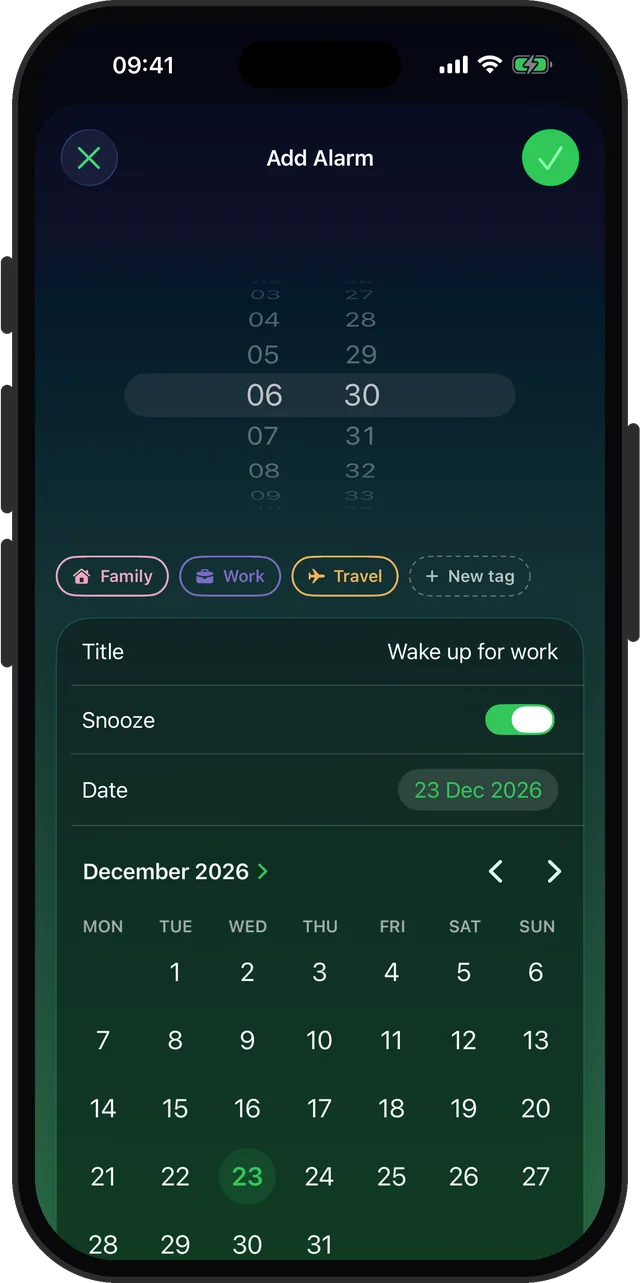
Alarms for any future date
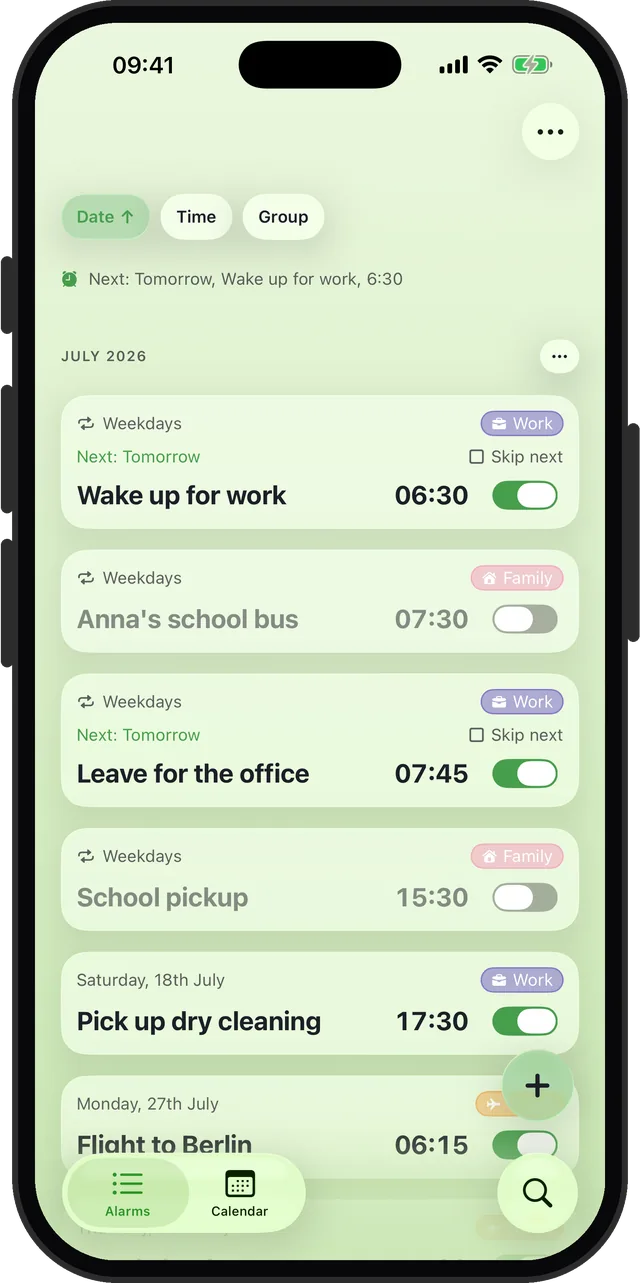
Pick a day on the calendar, months ahead if you like. One-off alarms fire once, then archive themselves.
Repeats the Clock app lacks
Monthly, yearly, every other week, weekdays, weekends, and custom intervals, with an optional end date.
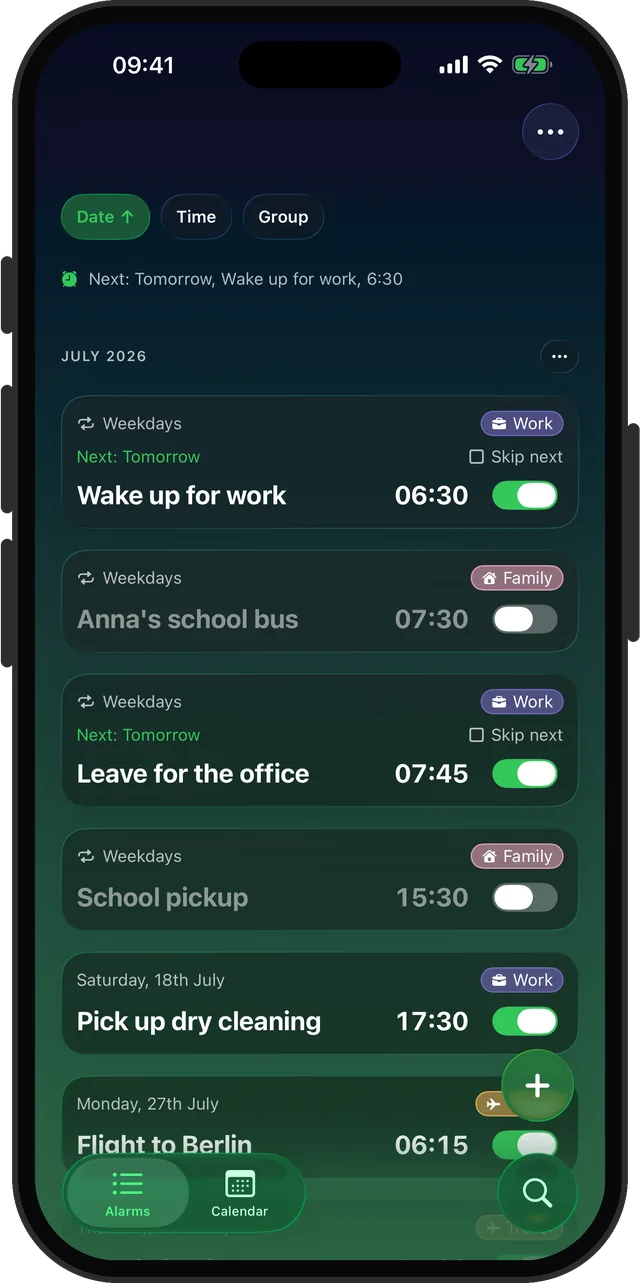
Group alarms with tags
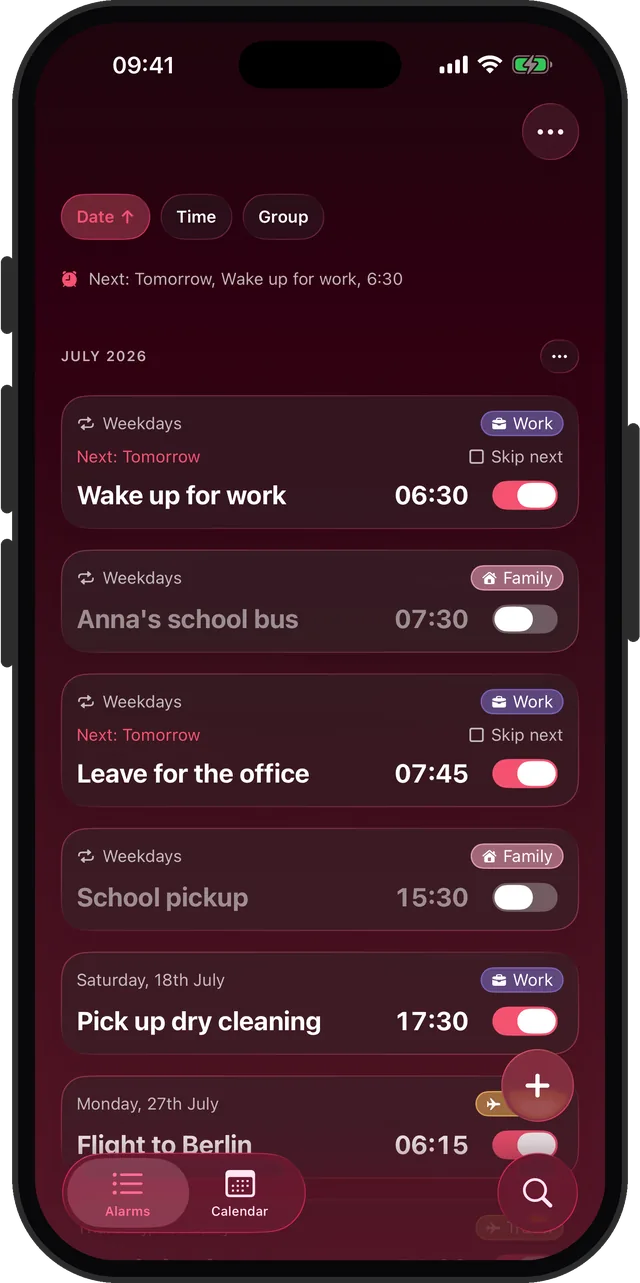
Color-coded tags like Work, Travel, or Family. Toggle a whole group at once and bulk-edit in seconds.
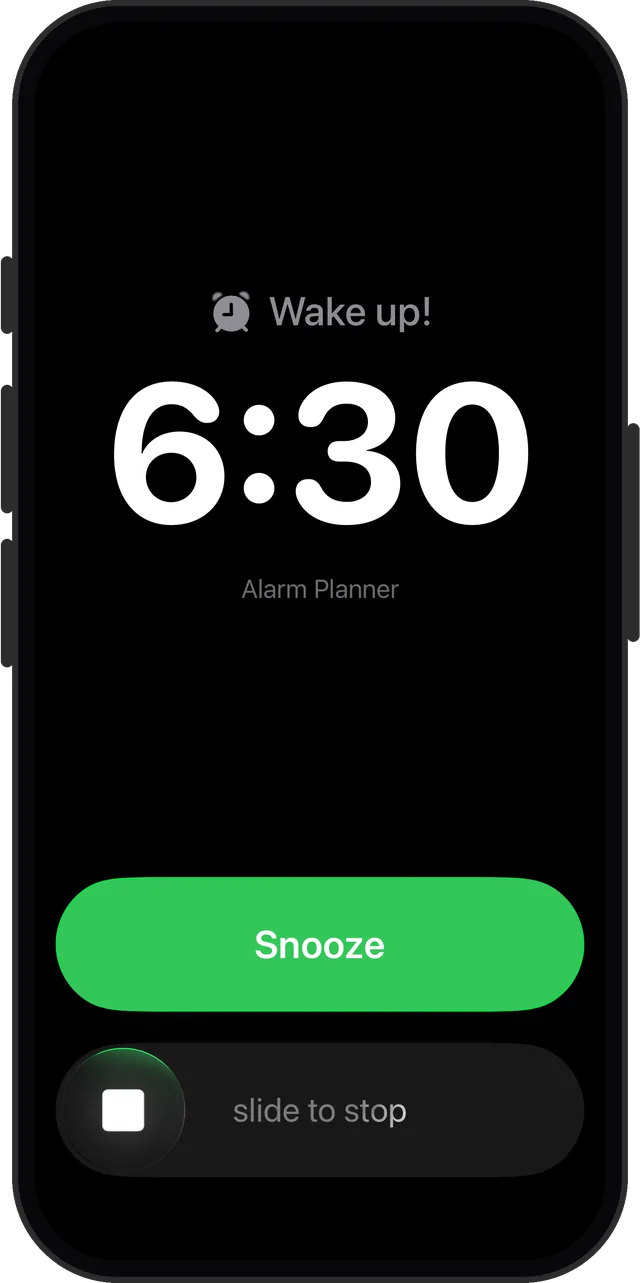
Rings on Silent
Built on Apple's AlarmKit, so alarms sound through the Silent switch, Do Not Disturb, and Focus modes.
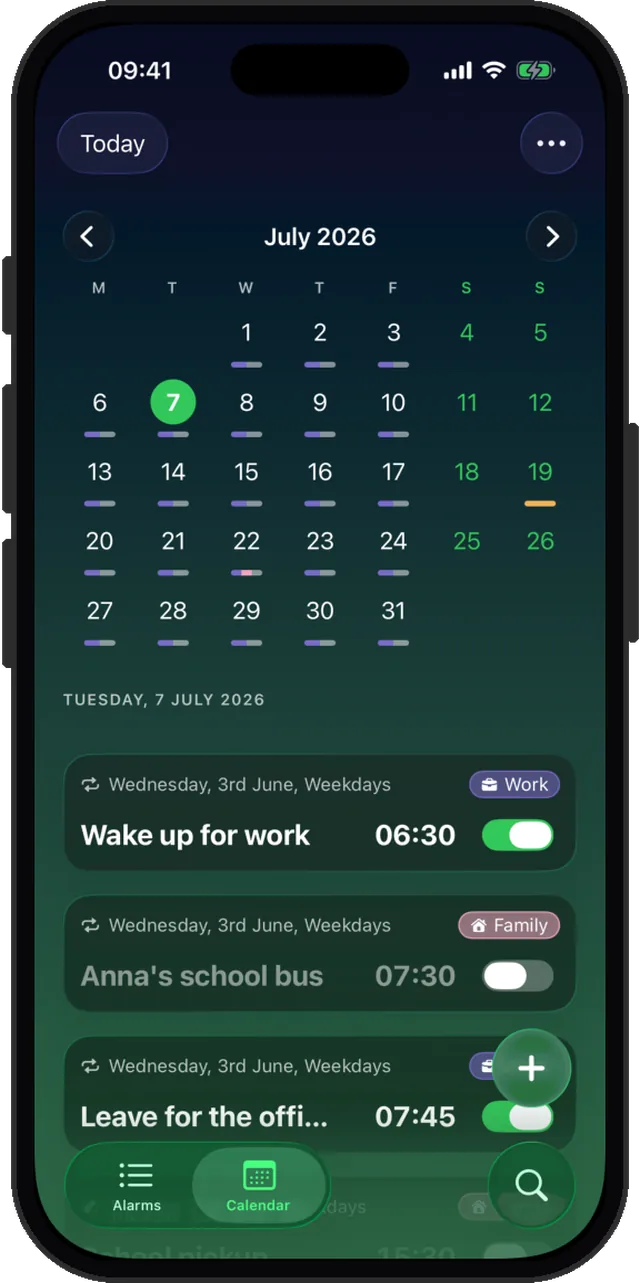
Calendar view
See every alarm laid out on a month grid. Spot gaps and clashes before they happen.
Your own alarm sounds
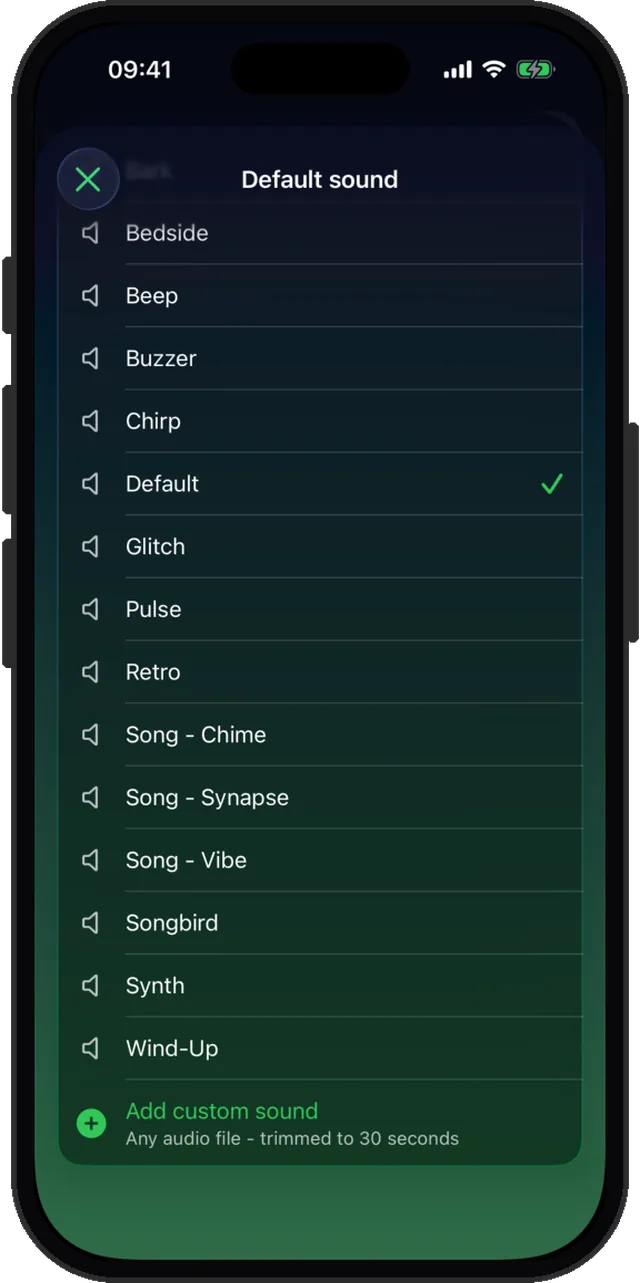
19 built-in tones, or import any audio file. Set sounds per alarm, per group, or as your default.
One-tap nap
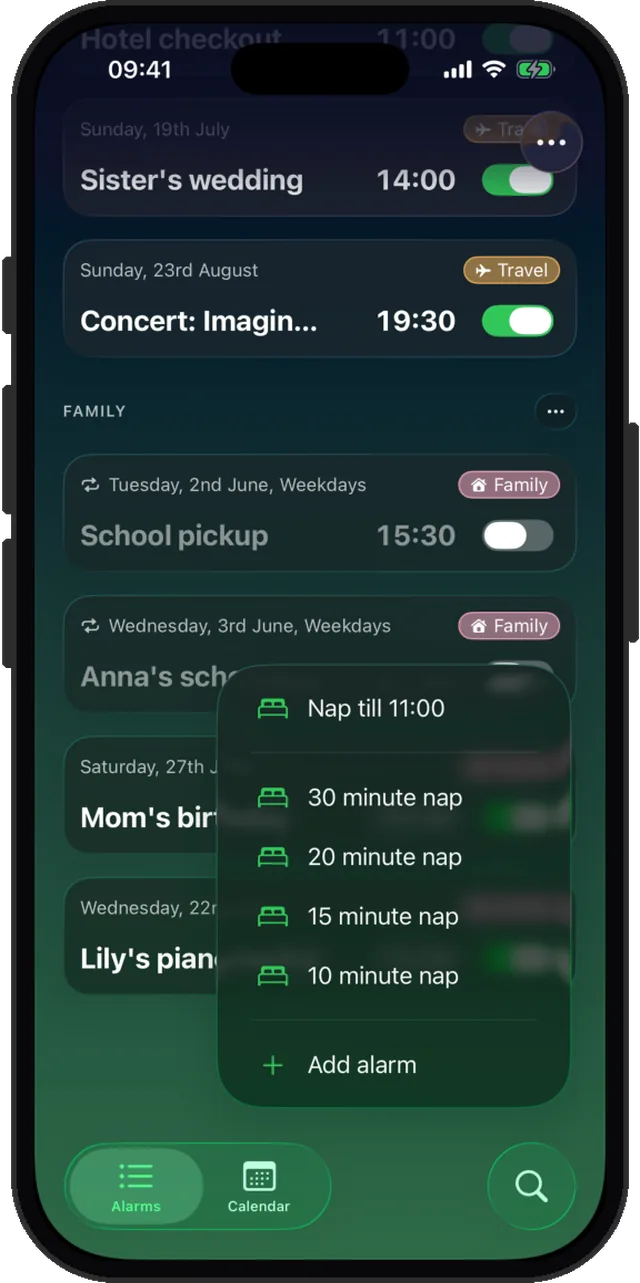
Hold the add button for instant 10, 15, 20, or 30 minute naps, or nap until a set time.
Make it yours
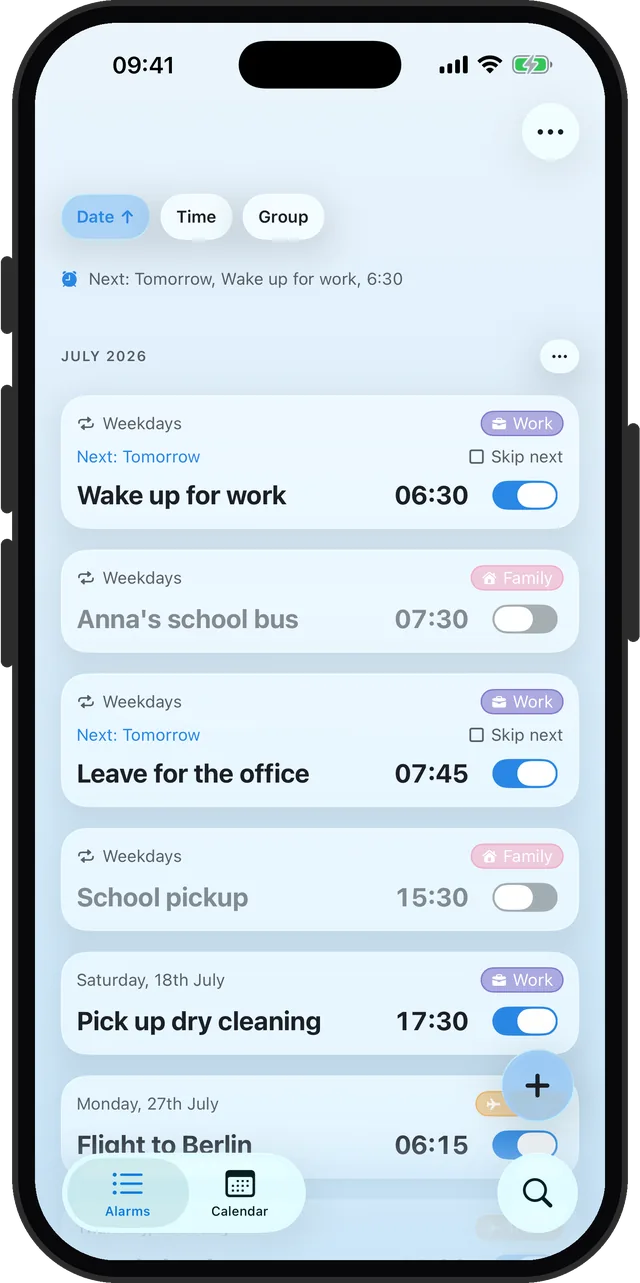
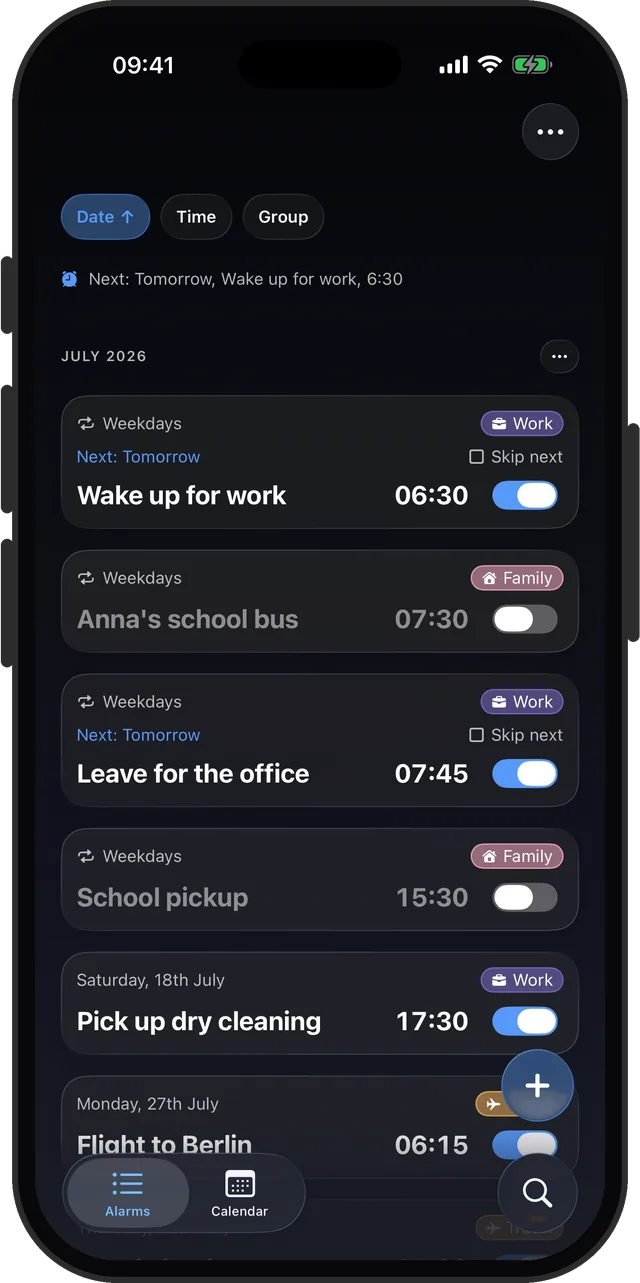
23 themes, 6 app icons, snooze from 1 to 30 minutes, and widgets for the Home and Lock Screen.
Backed up to iCloud
Your alarms, sounds, and settings back up to your own iCloud, so a new iPhone or a reinstall restores them.
See it in action
Real screens, straight from the app.
How it works
From "I must not forget that" to done, in three steps.
Pick a date
Tap the add button and choose any day on the calendar: tomorrow, next month, or half a year out.
Set the details
Choose the time, a repeat pattern if you need one, a sound, and a color-coded tag like Work or Travel.
Forget about it
The alarm waits quietly until its day, then rings even on Silent. One-off alarms archive themselves after firing.
Guides
Straight answers to the iPhone alarm questions the Clock app raises.
How to set an alarm for a specific date on iPhone
Why the Clock app cannot do it, the workarounds, and the direct way.
Read the guideHow to set an alarm for a flight weeks in advance
Set it the moment you book, so early departures stop living in your head.
Read the guideHow to set a monthly or yearly recurring alarm
Rent, medication cycles, birthdays: repeats the Clock app does not offer.
Read the guideHow to group and organize alarms on iPhone
Color-coded tags, bulk edit, and switching a whole group on or off at once.
Read the guideHow to skip an alarm once without turning it off
Silence just the next ring of a repeating alarm and stay protected after that.
Read the guideDoes the iPhone alarm go off on Silent mode?
What Silent and Focus actually mute, and how to make sure you still wake up.
Read the guideHow to change snooze time on iPhone
Set snooze anywhere from 1 to 30 minutes, and cap how often you can hit it.
Read the guideHow to use your own sound as an iPhone alarm
Import any audio file as an alarm tone, no ringtone conversion dance.
Read the guideHow to set a quick nap alarm on iPhone
One press, one tap, eyes closed. Nap presets without touching your real alarms.
Read the guideHow to put your next alarm on the Lock Screen
Widgets with a next-alarm countdown, and a Home Screen toggle that skips the app.
Read the guideFrequently asked questions
Can I set an iPhone alarm for a specific date in the future?
The built-in Clock app cannot attach a date to an alarm, only days of the week. Alarm Clock Planner lets you pick any date on a calendar, weeks or months ahead, and the alarm fires once on that day and archives itself. Learn more
Can an iPhone alarm repeat monthly or yearly?
Not in the built-in Clock app, which only repeats on days of the week. Alarm Clock Planner supports monthly, yearly, every other week, and other custom intervals, with an optional end date. Learn more
Will my alarm still ring on Silent mode or in a Focus?
Yes. Alarm Clock Planner is built on Apple's AlarmKit framework, so alarms ring like system alarms: through the Silent switch, Do Not Disturb, and Focus modes. Learn more
Can I skip one occurrence of a repeating alarm?
Yes. Skip next occurrence silences just the next ring and keeps the schedule armed, so you cannot forget to switch the alarm back on. Learn more
Can I change how long snooze lasts?
Yes, snooze is adjustable from 1 to 30 minutes per alarm, and you can cap how many times an alarm can be snoozed before it stops for real. Learn more
Can I use my own sound as the alarm?
Yes. Import any audio file from the Files app, and it is trimmed to the 30 second alarm limit automatically. 19 built-in sounds are included, and sounds can be set per alarm, per group, or as a default. Learn more
How do I keep a lot of alarms organized on iPhone?
Color-coded tags group your alarms. Toggle a whole group at once, bulk-edit several alarms, sort by date, time, or group, and give each group its own sound. Learn more
Can I set a quick nap alarm?
Yes. Press and hold the add button for one-tap nap presets: 10, 15, 20, or 30 minutes, or nap until a set time. Naps are unlimited. Learn more
Can I set an alarm for a flight that is weeks away?
Yes. Pick the flight date on the calendar the moment you book, set the wake-up time, and tag it Travel. The alarm sits quietly until that morning and rings even on Silent. Learn more
Can I see my next alarm on the iPhone Lock Screen?
Yes. Lock Screen and Home Screen widgets show your next alarm with a countdown, and the Home Screen widget can toggle an alarm without opening the app. Learn more
Are my alarms backed up if I get a new phone?
Yes. With iCloud Backup on (the default when you are signed in to iCloud), your alarms, groups, custom sounds, and settings are saved to your own private iCloud, and the app offers to restore them on a new device or after reinstalling. It is a restore point, not live two-way sync. Learn more
Do I need an account to use Alarm Clock Planner?
No. There is no account or sign-up. Download Alarm Clock Planner from the App Store and start setting alarms right away. Get the app