Alarms that ring on Silent, Do Not Disturb and Focus
Every alarm in Alarm Clock Planner is a real system alarm built on Apple's AlarmKit. Flip the phone to Silent, turn on a Focus, and it still rings at the time you set.
 Alarm Clock Planner is an iPhone appPoint your iPhone camera at the code to install it.
or text me the link
What it does
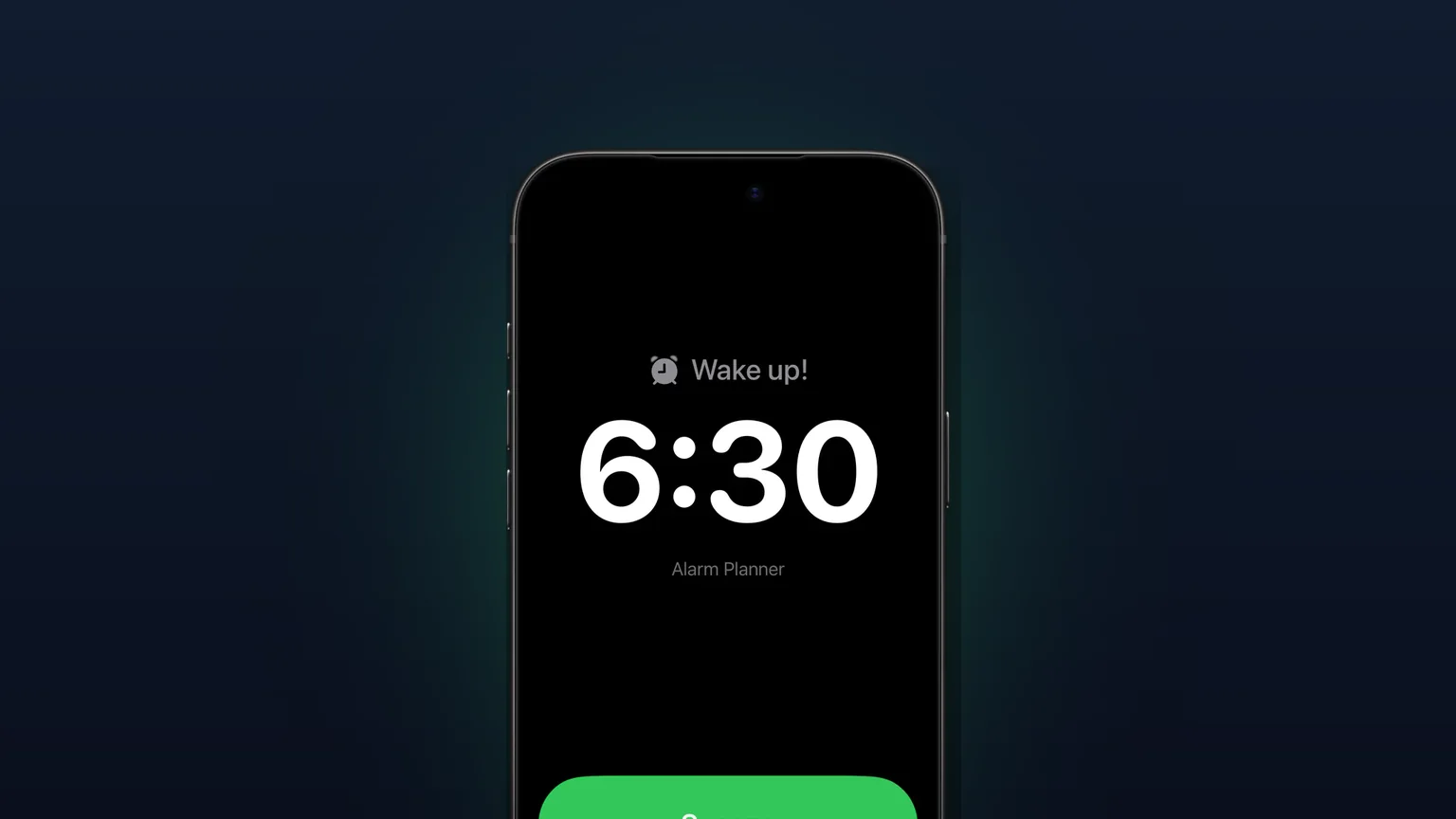
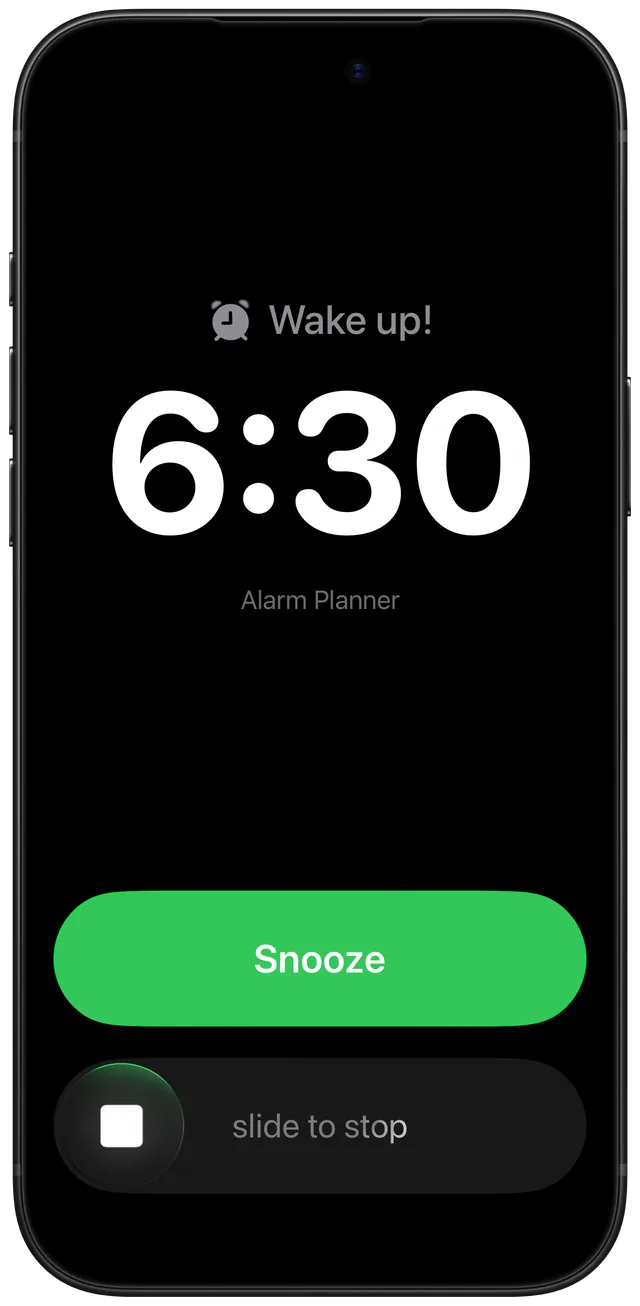
Alarm Clock Planner hands every alarm to AlarmKit, the alarm framework Apple added in iOS 26. When the time comes, the alert sounds through Silent mode, Do Not Disturb and whatever Focus is on, and on the Lock Screen it fills the screen with Stop and Snooze, the same way an alarm from the Clock app does.
To be fair to Clock: Apple's own alarm page says the Ring/Silent switch, Silent mode and Do Not Disturb do not affect the Clock alarm sound. So if all you need is a daily 07:00, Clock already rings on Silent. The problem was always third-party apps. Before AlarmKit, third-party alarm apps had to use time-sensitive notifications, which a Focus could silence, and there was no full-screen alarm on the Lock Screen. That is why so many people ask whether an alarm app works on silent. Alarm Clock Planner answers yes for every alarm it sets, including the ones Clock cannot make: a date months ahead, a monthly or yearly repeat, every other week. If you want the general iPhone side of this, read what Silent mode and Focus do to iPhone alarms.
How it works
There is no switch to find. Ringing on Silent is how every alarm is scheduled. What you do give is one permission, once.
- During setup the app shows a screen titled Make sure your alarms actually fire. Tap Continue.
- iOS asks whether Alarm Clock Planner may schedule alarms. Allow it.
- Tap + to open Add Alarm, set the time and date, and tap the checkmark. The app schedules it with AlarmKit straight away.
- Put the phone on Silent or turn on a Focus as usual. Nothing else to change.
- At the alarm time the alert shows the alarm's title with Snooze and Stop. Tap Snooze or stop it.
If you said no to the permission, the app tells you instead of failing quietly. The Alarms tab shows a banner, Alarm permission is off, with an Open Settings button. In iOS Settings, find the app in the Apps section and turn on Alarms. The banner clears itself the next time you open the app.
Options
Everything below goes through AlarmKit, so every one of them rings on Silent and through Focus:
| What rings | What you can set |
|---|---|
| Any alarm | Time, date, title, sound, tag, Snooze on or off. One-off or repeating. |
| Snooze | Snooze duration of 1, 3, 5, 9, 10, 15, 20 or 30 min, and a Snooze limit of Unlimited, 1, 2 or 3. Each snooze is scheduled as a fresh alarm. After the last allowed snooze, the alert shows Stop only. |
| Naps | Long-press + for a nap. Naps are free and do not count toward the 3-alarm limit. |
| Sound | A built-in tone, the system default, or your own sound. Imported sounds are trimmed to 30 seconds. |
The alert itself is Apple's. It shows the alarm's title (or "Alarm" if you left it blank), the app name, and the buttons. Apple says AlarmKit alarms also appear in StandBy and on a paired Apple Watch.
When to use it
You sleep with the phone on Silent
Most people keep the switch on Silent at night so messages stay quiet. With Alarm Clock Planner you can leave it there. Messages stay silent, the alarm does not.
A Sleep or Work Focus runs on a schedule
A Focus that turns on at 22:00 and off at 07:00 would hold back a notification set for 06:30. An AlarmKit alarm is not a notification, so the Focus does not stop it.
An early flight weeks away
Set it when you book, on the actual date, and it rings that morning even if the phone has been on Silent since the trip started. The flight alarm guide covers how early to set it.
A monthly reminder that must make noise
Rent day or a monthly medicine refill is easy to miss as a silent banner. A monthly alarm rings out loud on that day, Silent or not.
A nap in a quiet room
Phone on Silent in the office or on a train, 20 minutes to rest. A nap alarm still rings when the time is up. The nap calculator helps you pick the length.
Limits
- It needs the alarm permission. Without it, the app cannot schedule anything. Adding or editing an alarm shows the Alarm permission is off alert, and Settings in the app shows Alarms disabled instead of the usual rows. See how it works for the way back.
- No volume control of its own. Ringing on Silent is not the same as ringing loud. The app has no volume slider, so the alarm plays at a level iOS sets. On iOS 27, Settings, Sounds & Haptics has an Alarms and Timers section with its own slider once Match Ringtone Volume is off. Sources describe it as the alarm and timer volume without saying whether alarms from other apps follow it, so set a 1-minute alarm to hear how loud it is before you rely on it.
- One alarm on screen at a time. In our testing, iPhone showed one alarm alert at a time, so two alarms set for the same minute queued up. When you save an alarm that rings in the same minute as another one in the next two weeks, the app warns you with Another alarm rings at that time and offers to move it one minute later.
- 50 scheduled alarms at most. When 50 are scheduled at once, the app asks you to delete some before adding more.
- Free for up to 3 alarms. Every alarm rings on Silent, free or not. The free tier keeps 3 alarms with a date still ahead. Naps and snoozes never count. More than 3 needs the unlock.
- iOS 26.2 or later. AlarmKit arrived with iOS 26, and the app requires iOS 26.2. It runs on the current iOS 27.
Frequently asked questions
Does the iPhone alarm work on silent?
Yes for the Clock app: Apple says the Ring/Silent switch, Silent mode and Do Not Disturb do not affect the alarm sound. Alarm Clock Planner works the same way, because it schedules every alarm through Apple's AlarmKit instead of as a notification.
Is there an iPhone alarm app that works in silent mode?
Alarm Clock Planner does. Every alarm, nap and snooze it sets is an AlarmKit alarm, which Apple says breaks through Silent mode and the current Focus. You allow it once during setup and nothing else needs switching on.
Will my alarm ring when a Focus is on?
Yes. Apple's AlarmKit alarms break through the current Focus, including a Sleep Focus on a schedule. A plain notification from an app would follow the Focus rules instead.
What is AlarmKit on iOS 26?
AlarmKit is the framework Apple added in iOS 26 so apps can schedule real alarms with a system alert, Stop and Snooze, instead of notifications. Each app needs your permission first, and you can change it any time in Settings.
Why did my alarm app not ring on silent?
Before iOS 26, alarm apps had to use notifications, and a Focus could silence them. In Alarm Clock Planner the usual cause is that the alarm permission is off: the Alarms tab then shows an Alarm permission is off banner with an Open Settings button.
Does it work on iPhone 15, 16 and 17?
Yes, on any iPhone running iOS 26.2 or later. Ringing on Silent depends on the iOS version, not the model.
Sources
Keep the phone on Silent and still wake up
Get Alarm Clock Planner on the App StoreMore features
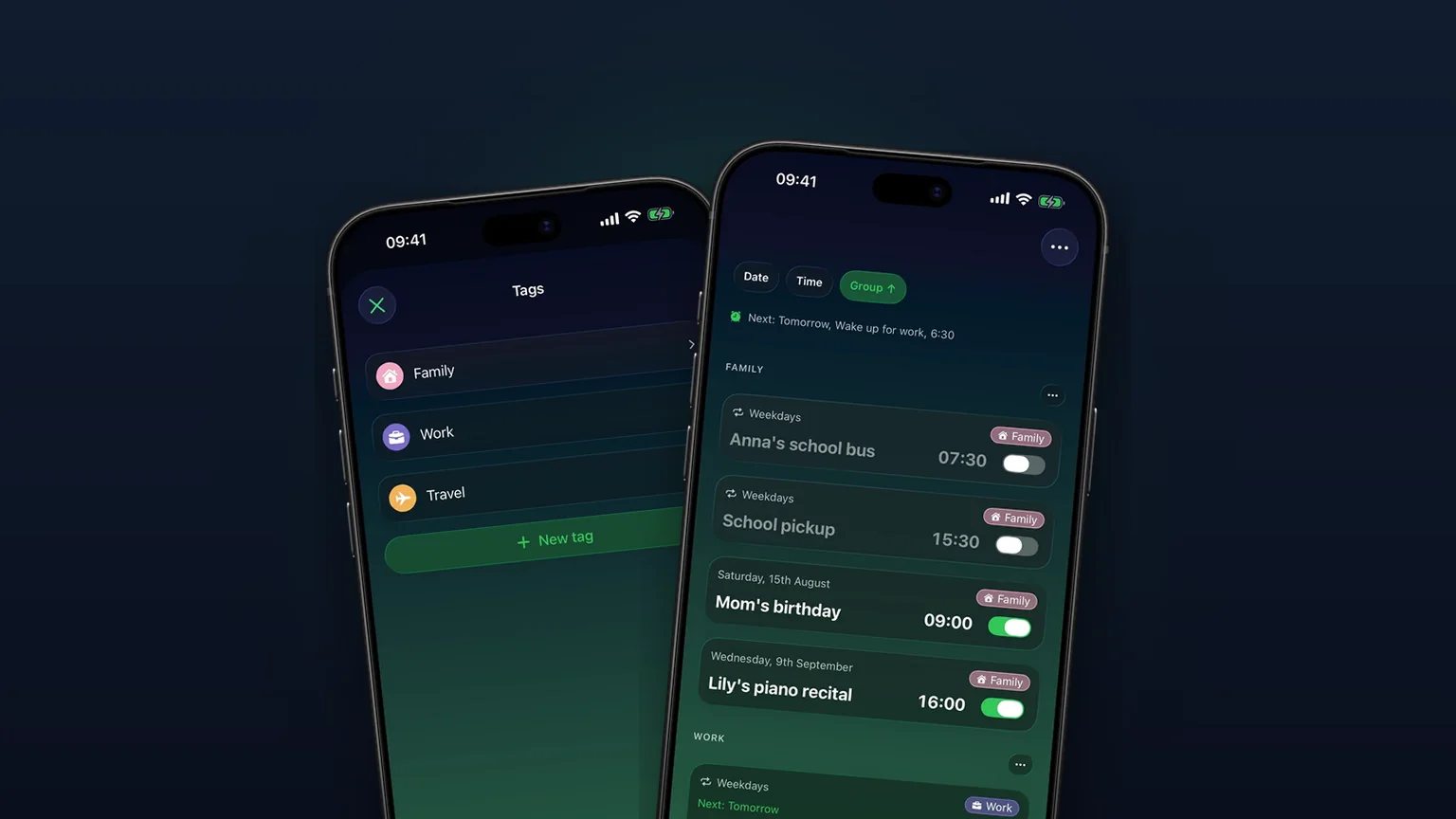
Alarm groups with color-coded tags
Color-coded groups like Work, Family or Travel, each with its own sound and snooze, plus switching and bulk edits for a whole group at once with unlimited access.
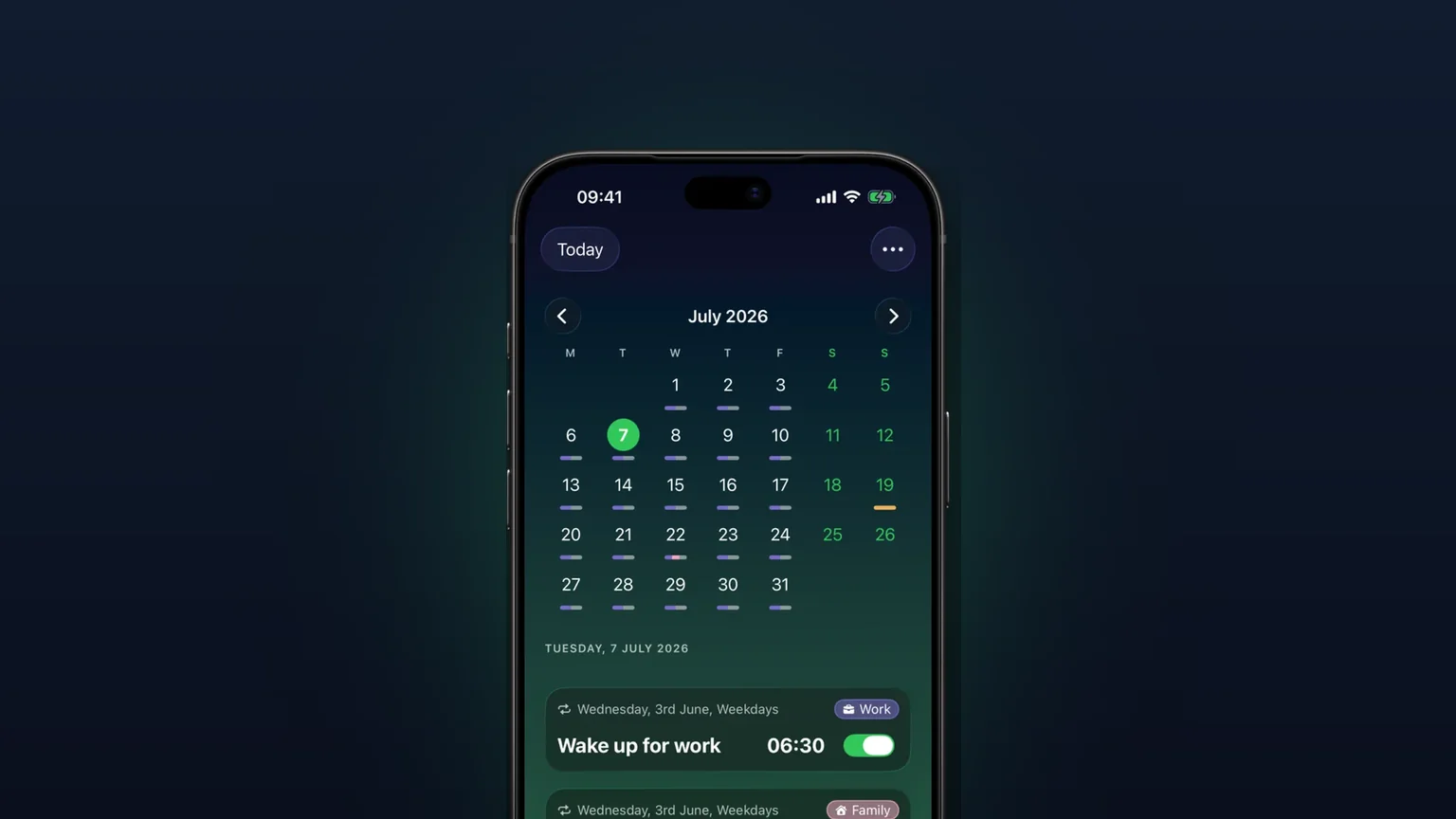
Calendar view of every alarm
Every alarm on a month grid, coloured by tag; tap a day to see, edit or skip what rings that day.
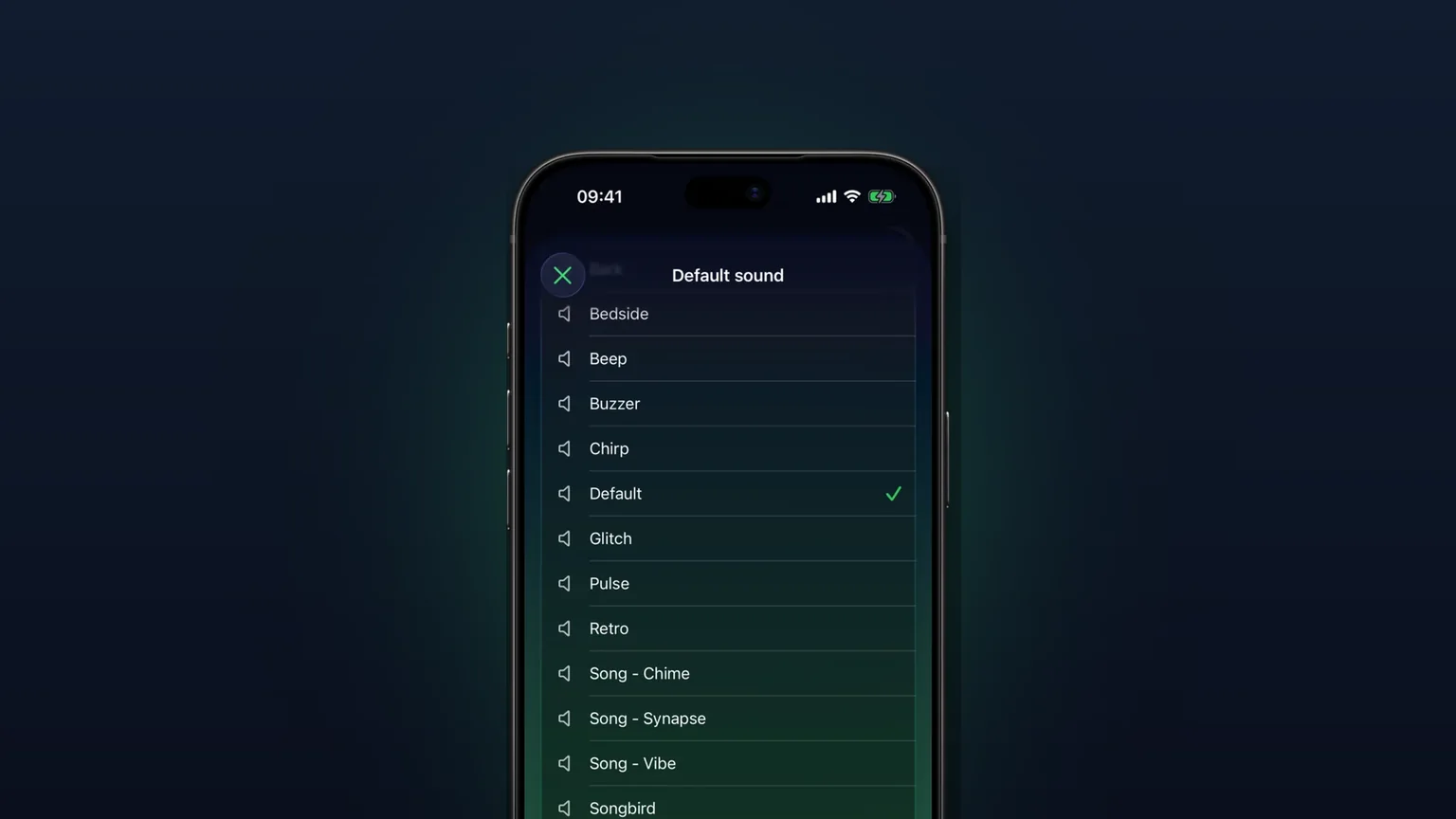
Your own alarm sounds, from any audio file
Import any audio file as an alarm sound, trimmed to 30 seconds, or pick one of 15 built-in tones, per alarm, per group or as your default.